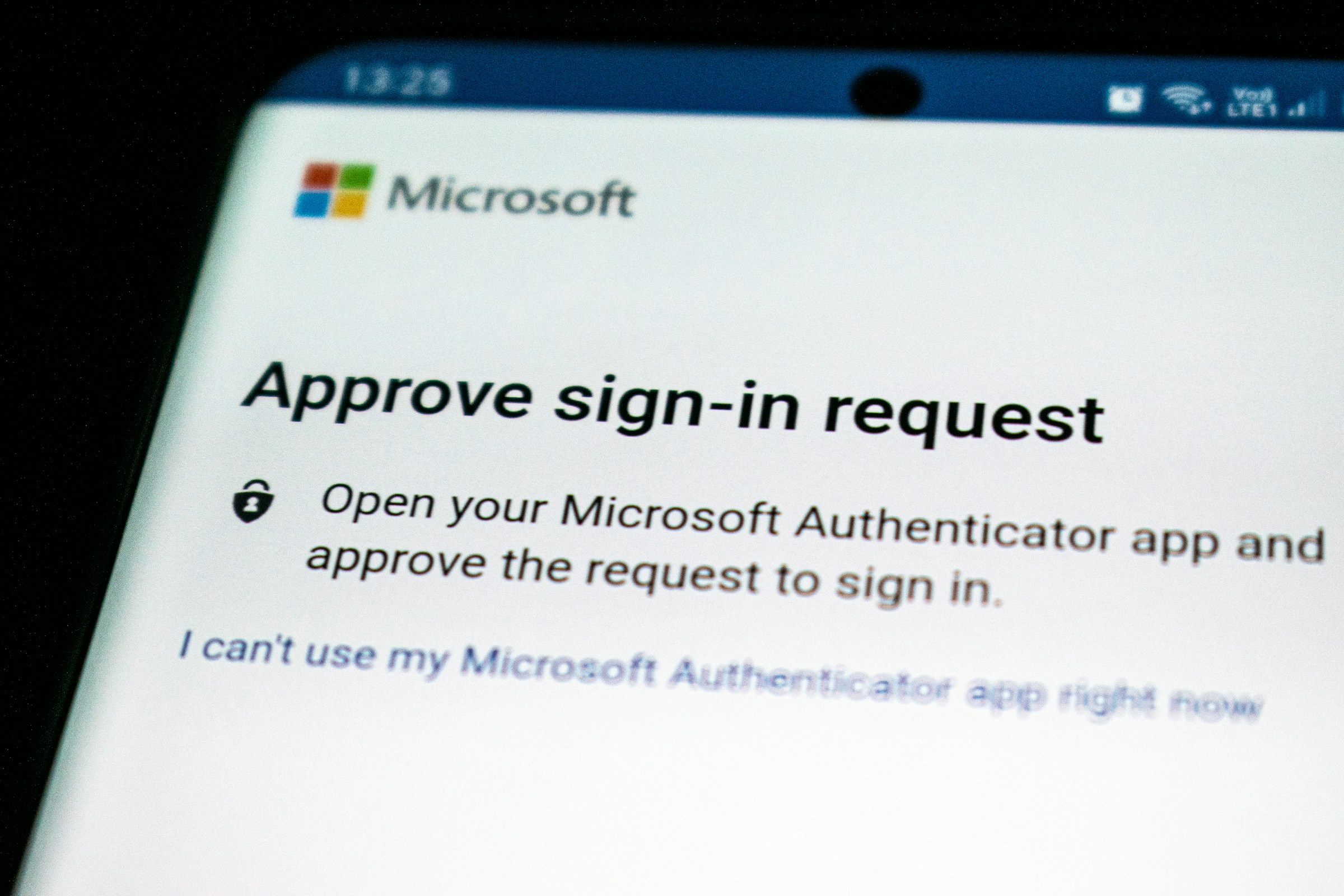
A stolen password should not be enough to open your company’s email, hosting panel or cloud storage. Multifactor authentication (MFA) adds another proof of identity, such as a security key, an app prompt or a one-time code. It will not prevent every account attack, but it makes a compromised password less useful on its own.
Protect the accounts that can unlock others
Begin with email, identity-provider accounts, password managers, domain registrars, hosting control panels, source-code platforms, cloud services and financial tools. Email deserves special attention because it is often used to reset passwords elsewhere. Require MFA for administrators and for anyone who can access sensitive information or change production systems.
Make a short inventory of the services your business uses, who administers each one and whether MFA is enabled. CISA’s MFA guidance for small and medium businesses recommends enabling it wherever possible and prioritising administrative and remote access.
Choose the strongest method the service supports
MFA methods vary. A hardware security key or passkey based on FIDO standards can resist many phishing attempts because authentication is tied to the genuine service. An authenticator app with number matching is another practical option. Time-based codes from an authenticator app are generally preferable to a code sent by text, where available, though they can still be phished if a user is tricked into entering the code on a fake page.
Text-message codes can be useful when a service offers no stronger choice, but they should not be the first choice for high-impact accounts. CISA ranks phishing-resistant methods such as security keys highest in its advice for business accounts, with app-based methods as alternatives while organisations improve their sign-in protections.
Make MFA manageable for staff
Security controls work best when people can use them without improvised workarounds. Offer a supported authenticator, explain how to approve a legitimate sign-in and tell staff never to approve an unexpected prompt. Repeated sign-in requests that a user did not start can be a warning that someone already has the password and is trying to get past the second factor.
For shared company services, avoid one MFA device passed among several people. Use named accounts wherever the service allows, assign roles rather than sharing administrator credentials, and keep a record of who owns each account. When an employee changes roles or leaves, remove access and revoke their authentication methods promptly.
Plan account recovery before turning MFA on
Recovery is part of the setup. Save recovery codes in an approved password manager or another protected location, and make sure at least two authorised people know how the business can regain access if the primary administrator loses a device. Use a separate recovery email or phone that is itself protected. Do not keep recovery codes in an unencrypted note beside the computer they protect.
Test the recovery process with a low-risk account before rolling MFA out across critical services. Check whether the provider supports backup security keys, administrator recovery or a documented support process. Record the steps somewhere accessible if a phone or laptop is unavailable.
A practical rollout
List business accounts, owners and current MFA status.
Start with email, administrator, domain, hosting and cloud accounts.
Choose a security key or passkey where supported; otherwise use the strongest available app-based method.
Provide recovery options and train staff to reject prompts they did not initiate.
Review access and recovery details when people or services change.
Give the most important accounts the strongest protection
If a service offers several MFA methods, reserve the strongest available option for accounts that can reset passwords, change DNS, deploy software or access customer data. A security key is valuable for the people who administer email, domains and hosting because those accounts can affect many other services. For employees who cannot use a key, an app-based factor is a reasonable step up from password-only access.
MFA should not become a reason to ignore other account controls. Keep passwords unique, protect devices with screen locks and updates, and alert staff to phishing pages that ask them to type a code. A legitimate support team should not ask for a one-time code over an unsolicited call. When someone reports an unexpected prompt, treat it as a possible sign-in attempt and help them change their password from the service’s official site.
MFA is most effective as part of a broader account routine: unique passwords, least-privilege access, software updates and a clear offboarding process. Start with the accounts whose compromise would cause the most damage, then work through the rest of the inventory.